Loading readers…
 Reference Pro Literature Graph
Start with one paper,
explore the field.
Follow connections between papers
to discover what to read next.
Literature Graph
起点文献 · RAG
Attention2017
DPR2020
RAG2020
REALM2020
FiD2021
已导入待探索Connected Papers
1 Pro Features
1.1 Relationship Graph
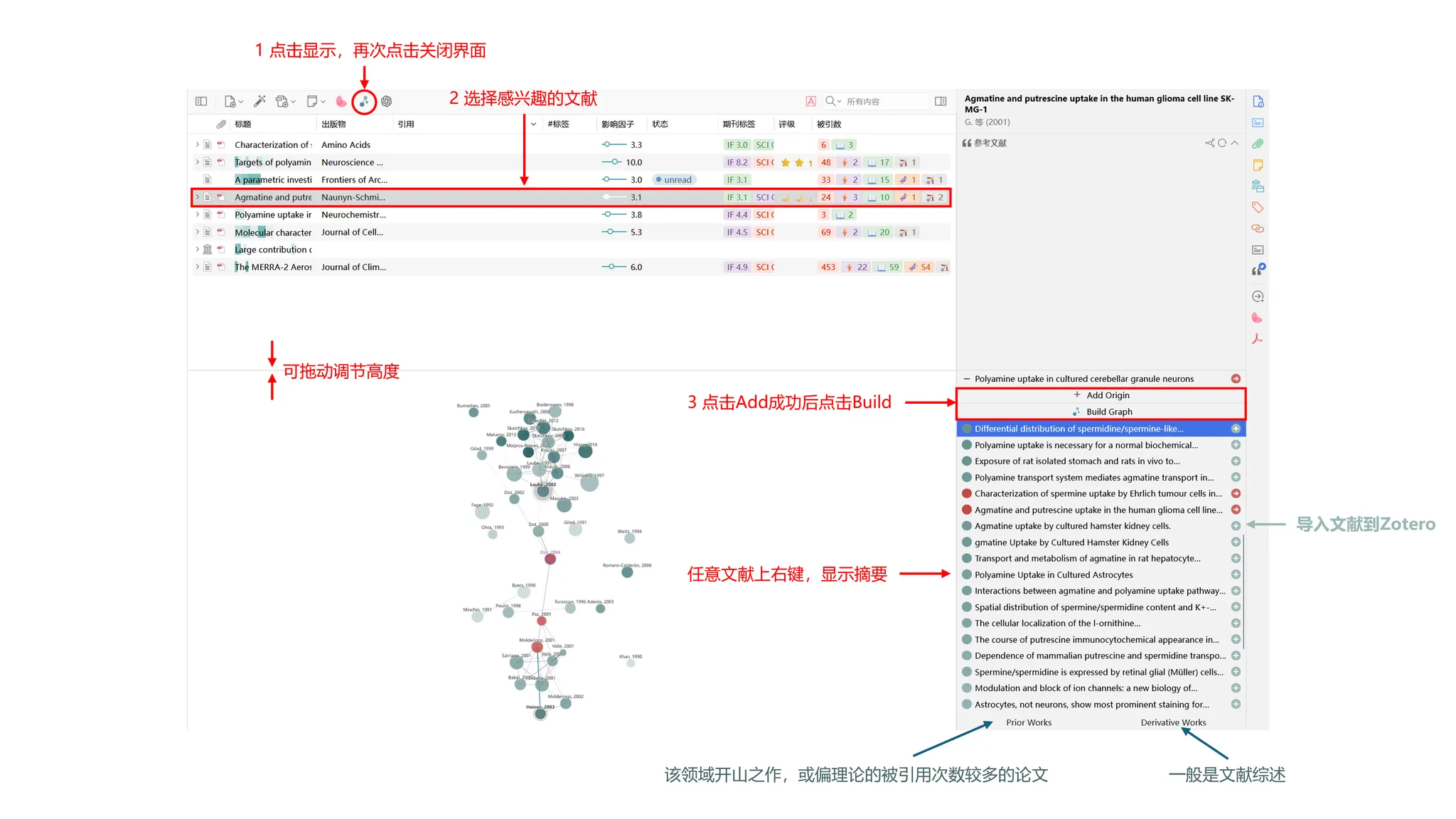
The "Connected Papers" feature can be explained clearly with a single image.
Does not support Chinese-language publications, but supports the vast majority of English-language publications.
Red nodes indicate items that have been imported into Zotero; green nodes indicate items that have not been imported into Zotero.
The darker the color, the more recent the reference.
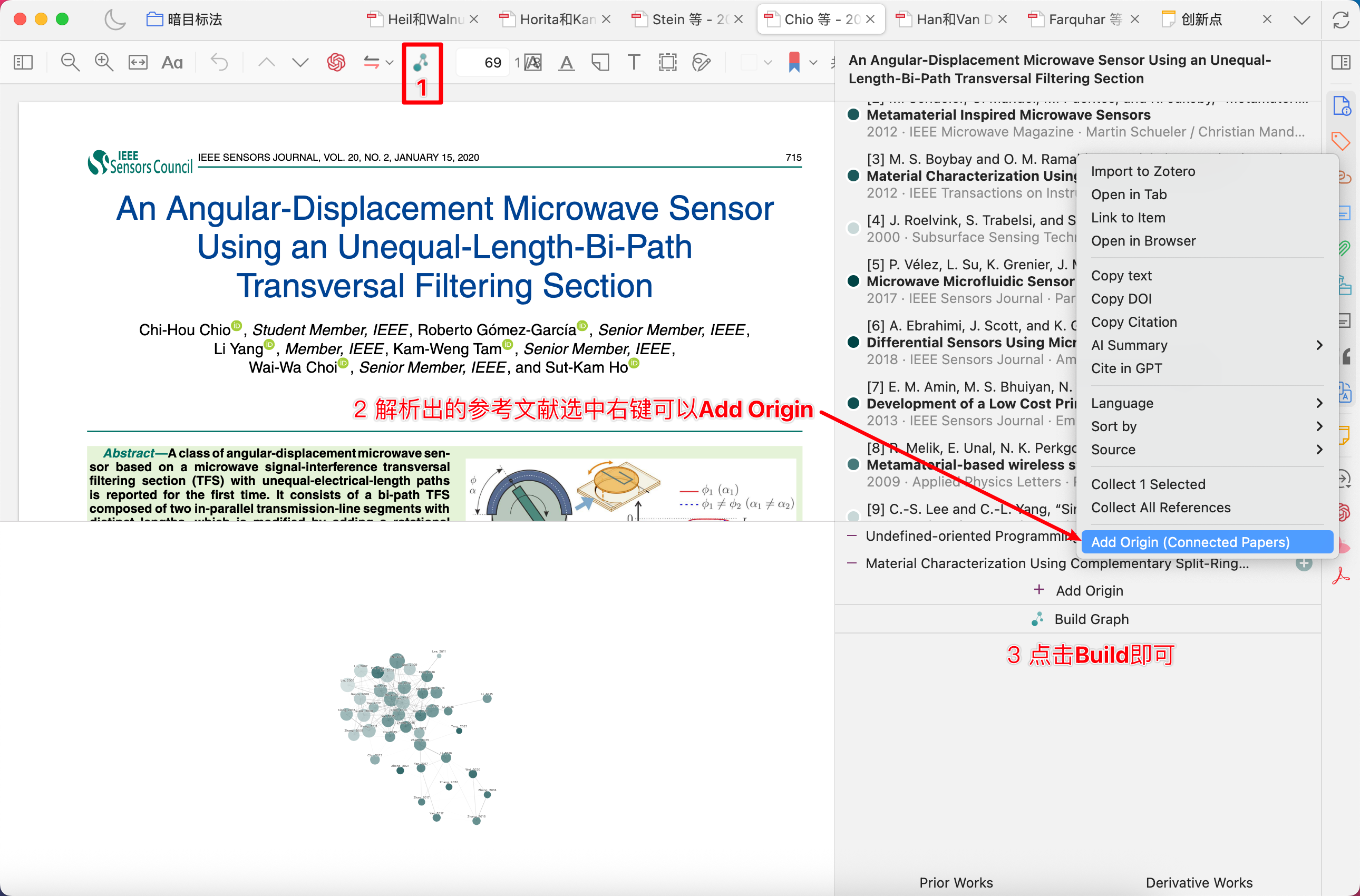
It is not recommended to add too many references to Origin; one is best, otherwise the build time will be very long and the results will be scattered.
When you are on the main screen, refer to the image on the left; when you are in reading mode, refer to the image on the right. If the button does not appear, please close the PDF and reopen it.
1.2 AI Summary
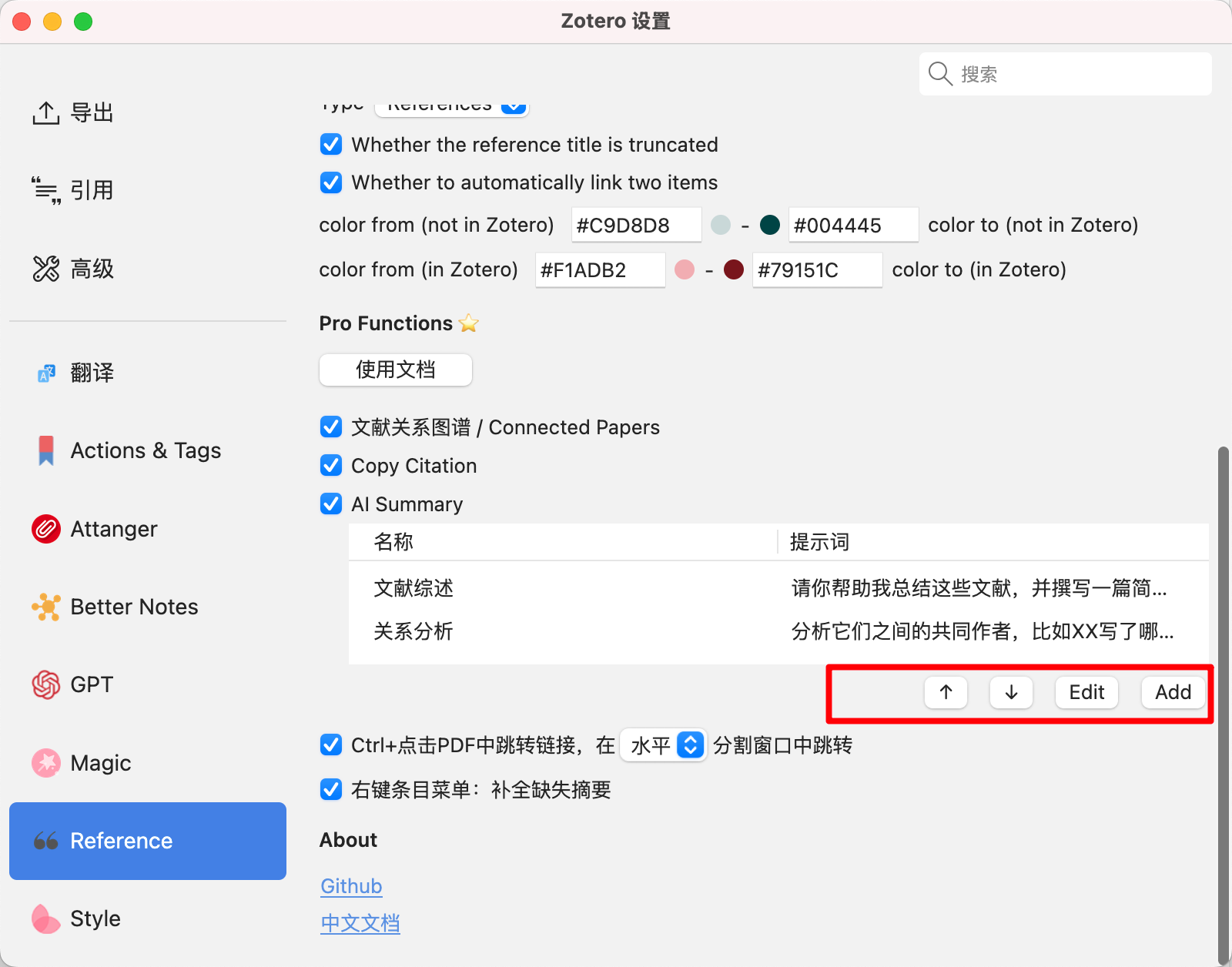
AI summary requirements Configure the GPT plugin API key yourself For example, if you have the Awesome GPT Pro plugin, you can use the provided API key or the web integration.
You can define multiple prompts in the settings.
After the references have been parsed, you can summarize a few selected entries or all of them.
Select a few articles that interest you, then right-click:
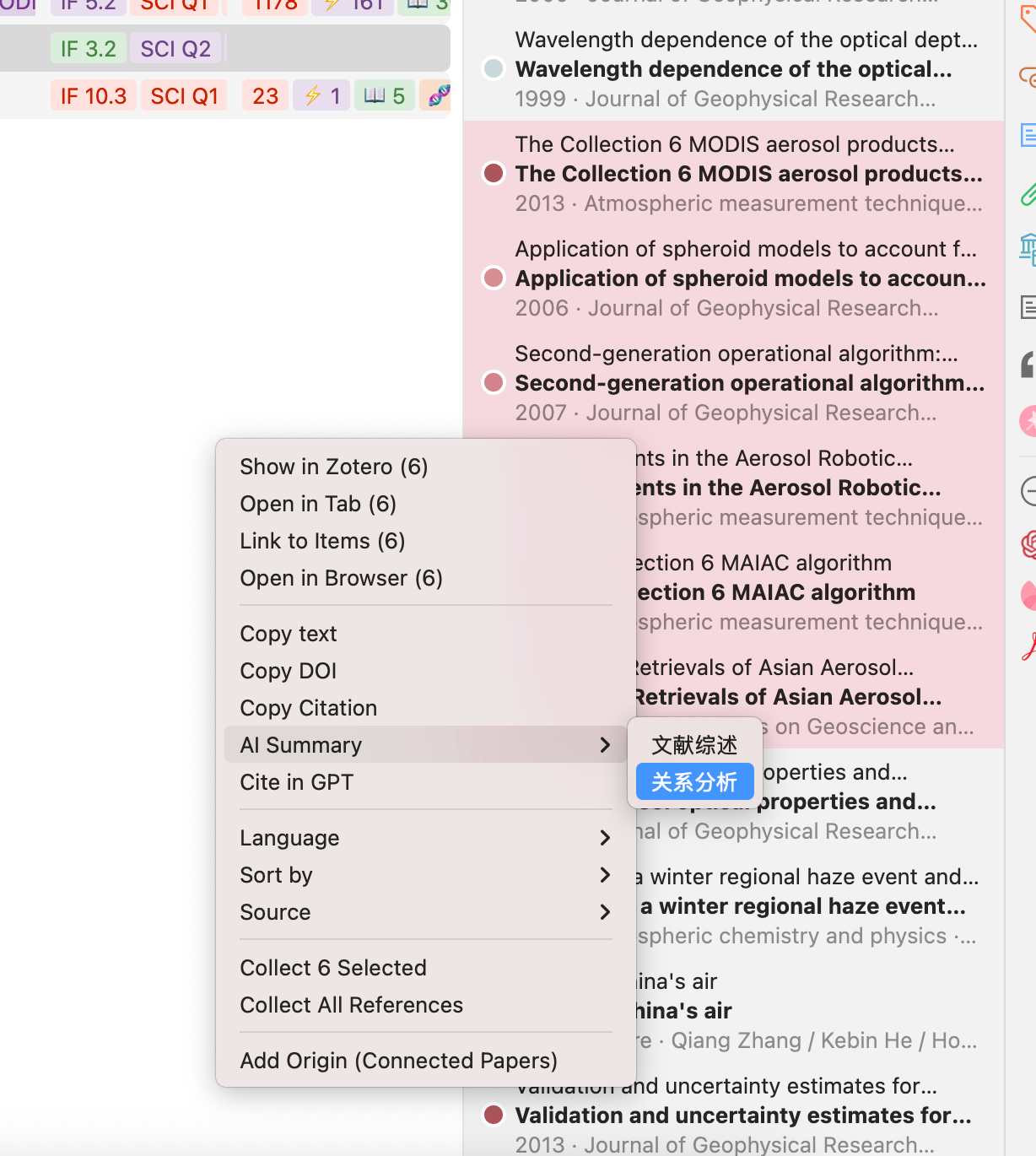
Or click here for a summary of all references:
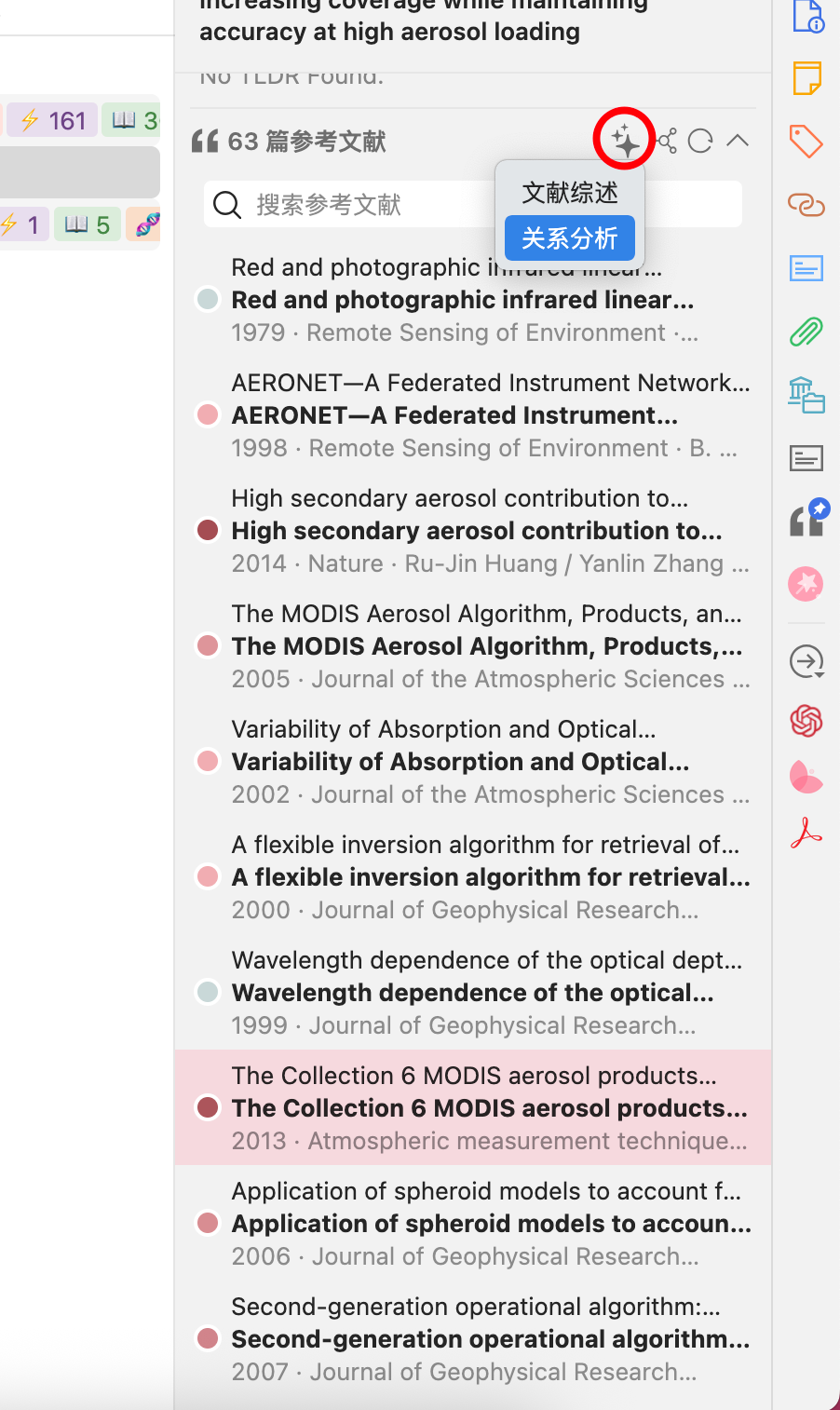
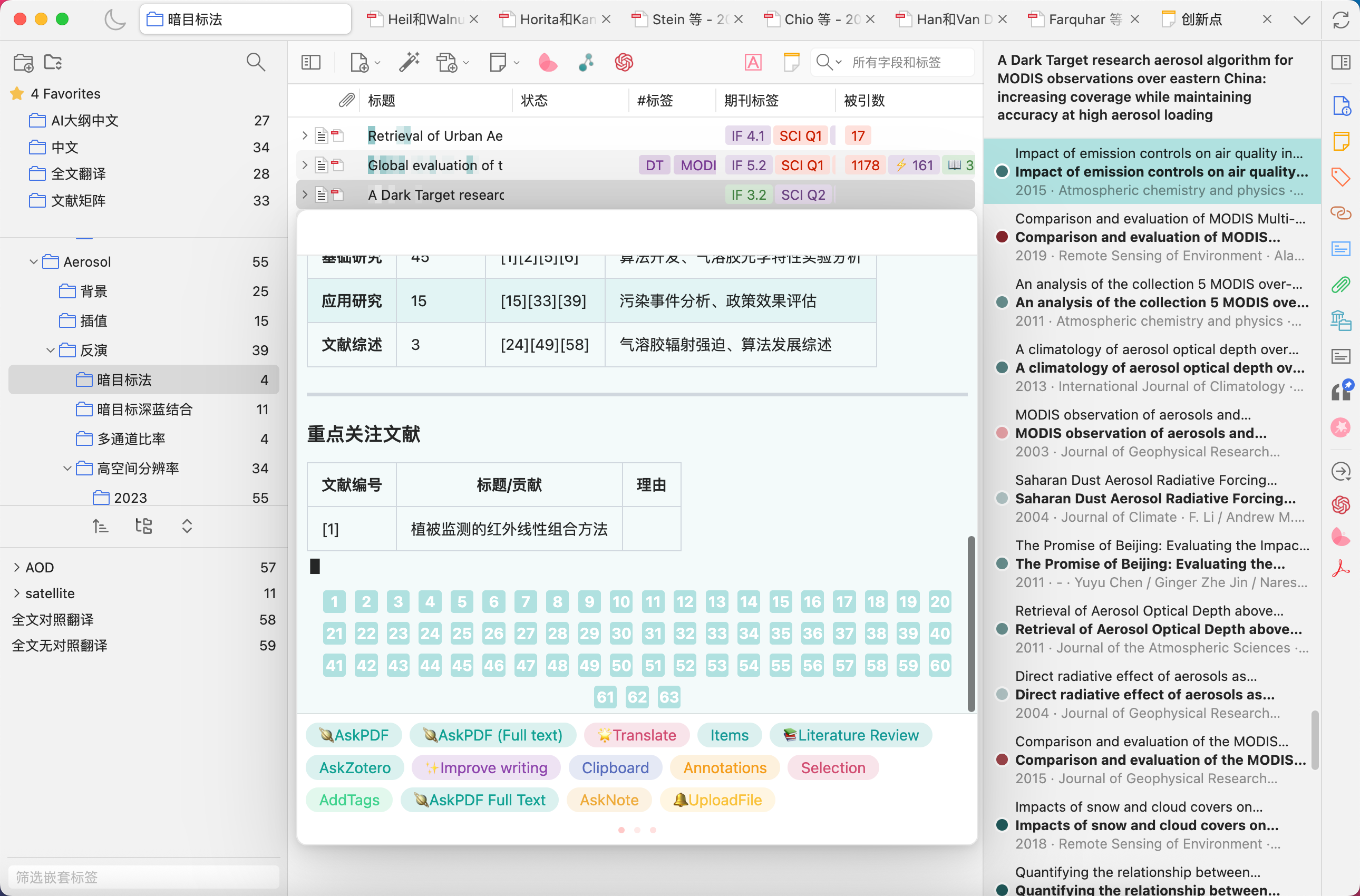
Summary of results preview:
The numbers below can be used to trace back to the specific reference.